It was a rainy Tuesday when my senior tabby, Luna, refused to eat her usual 1/4‑cup of kibble at 7 am. I stared at the empty bowl, checked the clock, and realized I’d left for work an hour early. The panic that followed reminded me why an automatic cat feeder isn’t just a luxury—it’s a safety net for busy pet parents. In this guide, you’ll learn how to pick, set up, and fine‑tune the best automatic cat feeders reviewed, so you never have to wonder whether Luna (or your own feline) will get that crucial morning meal.
In This Article
- What You Will Need (Before You Start)
- Step 1: Assess Your Cat’s Feeding Needs
- Step 2: Choose the Right Feeder Type
- Step 3: Set Up the Feeder Correctly
- Step 4: Program Portion Sizes and Schedule
- Step 5: Monitor and Adjust
- Common Mistakes to Avoid
- Troubleshooting & Tips for Best Results
- Summary Conclusion
- Frequently Asked Questions
What You Will Need (Before You Start)
- A reliable automatic cat feeder (we’ll discuss specific models below).
- Measuring cup or kitchen scale (most feeders come with a scoop, but a scale gives precision).
- Fresh dry or semi‑wet cat food compatible with the feeder’s dispensing mechanism.
- Power source: wall outlet or fully charged batteries (many units have a battery‑backup).
- Smartphone or tablet for app‑based feeders (optional but highly recommended).
- Access to your cat’s health records (weight, dietary restrictions) to calculate portion sizes.
Step 1: Assess Your Cat’s Feeding Needs
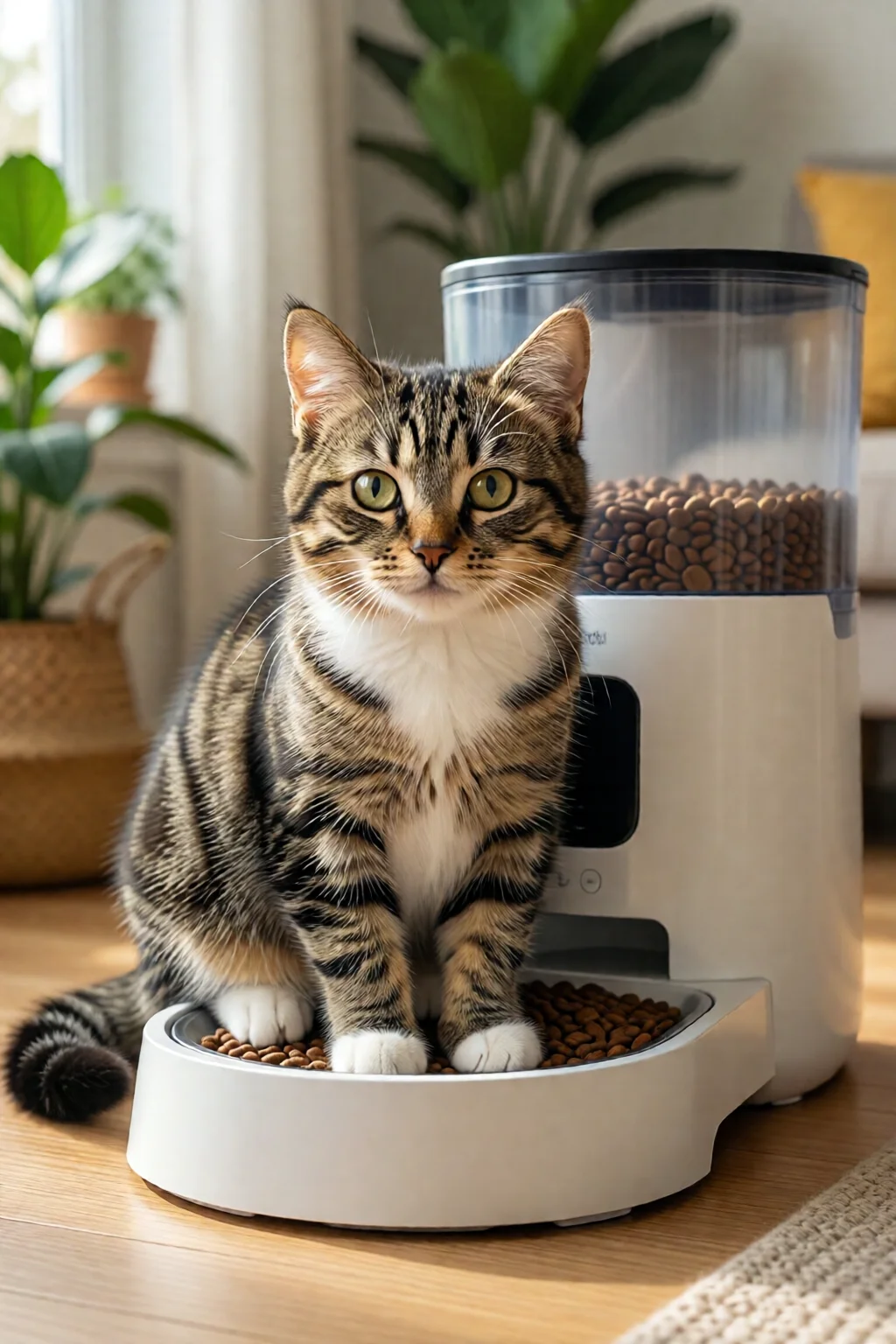
Every cat is unique. A 4‑year‑old indoor British Shorthair needs about 45 g of dry kibble per day, while a 12‑year‑old senior Maine Coon may require 60 g split into three meals to prevent stomach upset. In my experience, the biggest mistake owners make is using a one‑size‑fits‑all schedule. Grab your cat’s recent vet notes, note their ideal daily caloric intake, and divide that by the number of meals you plan to serve. For example, a 5‑kg cat needing 250 kcal/day on a 2‑meal schedule would get roughly 125 kcal per serving, which translates to about 30 g of dry food.
Step 2: Choose the Right Feeder Type
Automatic feeders fall into three main categories:
- Mechanical timers – Simple, no‑app units that release food at set times. Great for budgets under $50.
- Electronic programmable feeders – Offer precise portion control, multiple daily meals, and usually a battery‑backup. Price range $70–$180.
- Smart Wi‑Fi feeders – Connect to an app for remote scheduling, voice alerts, and even camera monitoring. Expect $120–$250.
Here are the top three models that consistently rank as the best automatic cat feeders reviewed:
- PetSafe Healthy Pet Simply Smart – $79.99. Holds up to 24 meals (2 oz each), has a quiet motor, and features a built‑in backup battery lasting up to 24 hours. Ideal for owners who want reliability without a smartphone.
- Wopet Smart Wi‑Fi Automatic Feeder – $139.99. Stores 6 L of kibble, supports 4‑hour interval feeding, and integrates with Alexa and Google Assistant. The companion app lets you adjust portions down to 1 g increments.
- SureFeed Microchip Feeder – $199.99. Uses your cat’s RFID microchip or collar tag to unlock the bowl, preventing food theft in multi‑cat households. Holds 5 L, runs on AA batteries for up to 30 days, and includes a low‑food alert.
If you have a mixed‑dry‑and‑wet diet, look for models with a “wet‑food compartment” like the Arf Pets Automatic Feeder ($119.99), which keeps wet meals chilled for up to 12 hours.

Step 3: Set Up the Feeder Correctly
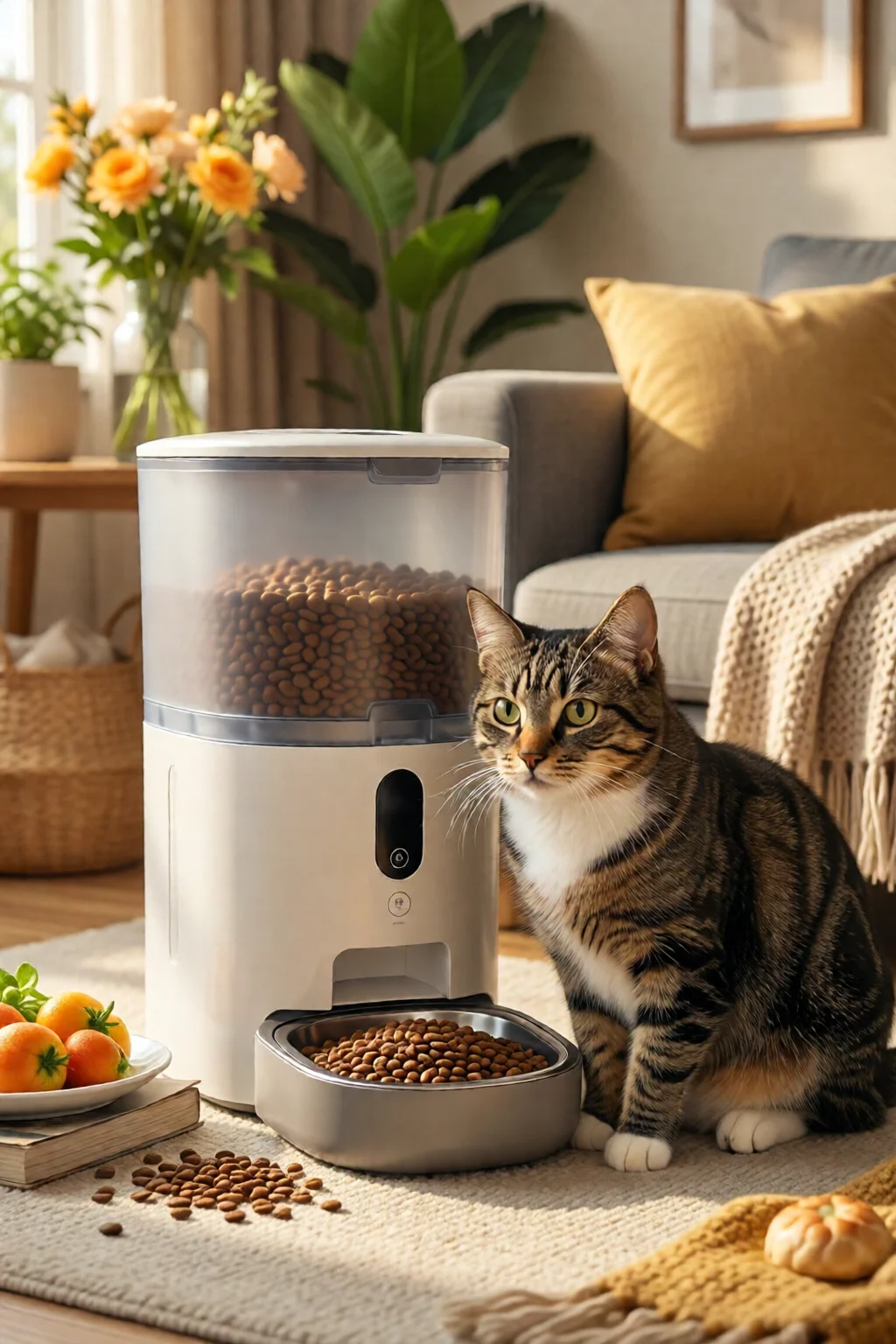
- Place the feeder on a flat, stable surface away from direct sunlight and drafts. Heat can warp plastic trays, while drafts may affect sensor accuracy.
- Plug the unit into a grounded outlet. If the feeder has a battery backup, insert the provided AA or lithium‑ion batteries before the first use.
- Load the food using the included scoop. For dry kibble, fill the hopper no higher than the “max fill line” (usually marked at 4 L). For wet food, use the insulated compartment and keep the lid sealed.
- Run a quick “test dispense” from the control panel or app. Verify that the portion drops cleanly into the bowl without jamming. Adjust the hopper height if needed—some models require the hopper to be at least 2 inches above the bowl for gravity‑assist.
When I first set up the Wopet feeder, the motor hiccuped because the kibble was slightly oversized. A quick switch to a smaller kibble size solved the issue, and the feeder now runs silently at 38 dB.
Step 4: Program Portion Sizes and Schedule
Using the data from Step 1, input the exact gram amount per meal into the feeder. Most electronic units have a “+” and “‑” button for fine‑tuning, while smart feeders let you type the number directly in the app. Set the feeding times to align with your cat’s natural rhythm—most cats prefer a small snack at dawn, a larger midday meal, and a light dinner.
For multi‑cat homes, the SureFeed’s RFID lock ensures each cat only accesses their designated bowl. Pair each collar tag with the feeder’s “cat profile” and program individualized portions. This prevents the classic “one cat eats everything” scenario I see often.
Step 5: Monitor and Adjust
After a week of use, weigh the leftover food in the bowl each morning. If you notice a consistent 5‑10 g variance, tweak the portion setting. Many owners forget that kibble can settle over time, causing the dispenser to release slightly more. Regularly clean the dispensing chute—food crumbs can cause clogs that lead to under‑feeding.
If your cat is on a weight‑loss plan, use the feeder’s “calorie tracking” feature (available on the Wopet app) to log each meal. The app will generate a weekly report, helping you stay within the vet‑recommended range.
Common Mistakes to Avoid
- Ignoring battery health. Even feeders with a backup will stop dispensing after 12–24 hours if the battery is low. Check the indicator light weekly.
- Using wet food in a dry‑only feeder. Wet kibble can clog the motor. Only use wet‑compatible models like the Arf Pets feeder.
- Setting meals too close together. Cats need at least 30 minutes between servings to digest properly; otherwise you risk regurgitation.
- Overfilling the hopper. Exceeding the max fill line can cause the dispenser to jam, especially with larger kibble pieces.
- Forgetting to calibrate after moving the feeder. A shift in level can affect the gravity‑assist mechanism, leading to inconsistent portions.
Troubleshooting & Tips for Best Results
Feeder won’t dispense? Check the power cord, then the battery compartment. If both are fine, clear the chute with a soft brush—most manufacturers include a cleaning tool.
Portion size too large? Reduce the gram setting in 1‑g increments. If the feeder still over‑delivers, weigh the kibble in a kitchen scale and adjust the “kibble density” setting (available on the Wopet app).
Cat refuses to eat from the feeder? Some cats are wary of new devices. Place a small amount of their favorite treat in the bowl as a “welcome gift.” Once they associate the feeder with a positive experience, they’ll eat normally.
Multiple cats fighting over food? The SureFeed microchip lock is a game‑changer. Pair each cat’s chip with its own bowl; the feeder will only unlock when the correct chip is detected, eliminating food‑stealing disputes.
Keeping food fresh. Store kibble in an airtight container and refill the feeder no more than two weeks in advance. For wet meals, keep the insulated compartment sealed and replace any leftovers after 12 hours.
Summary Conclusion
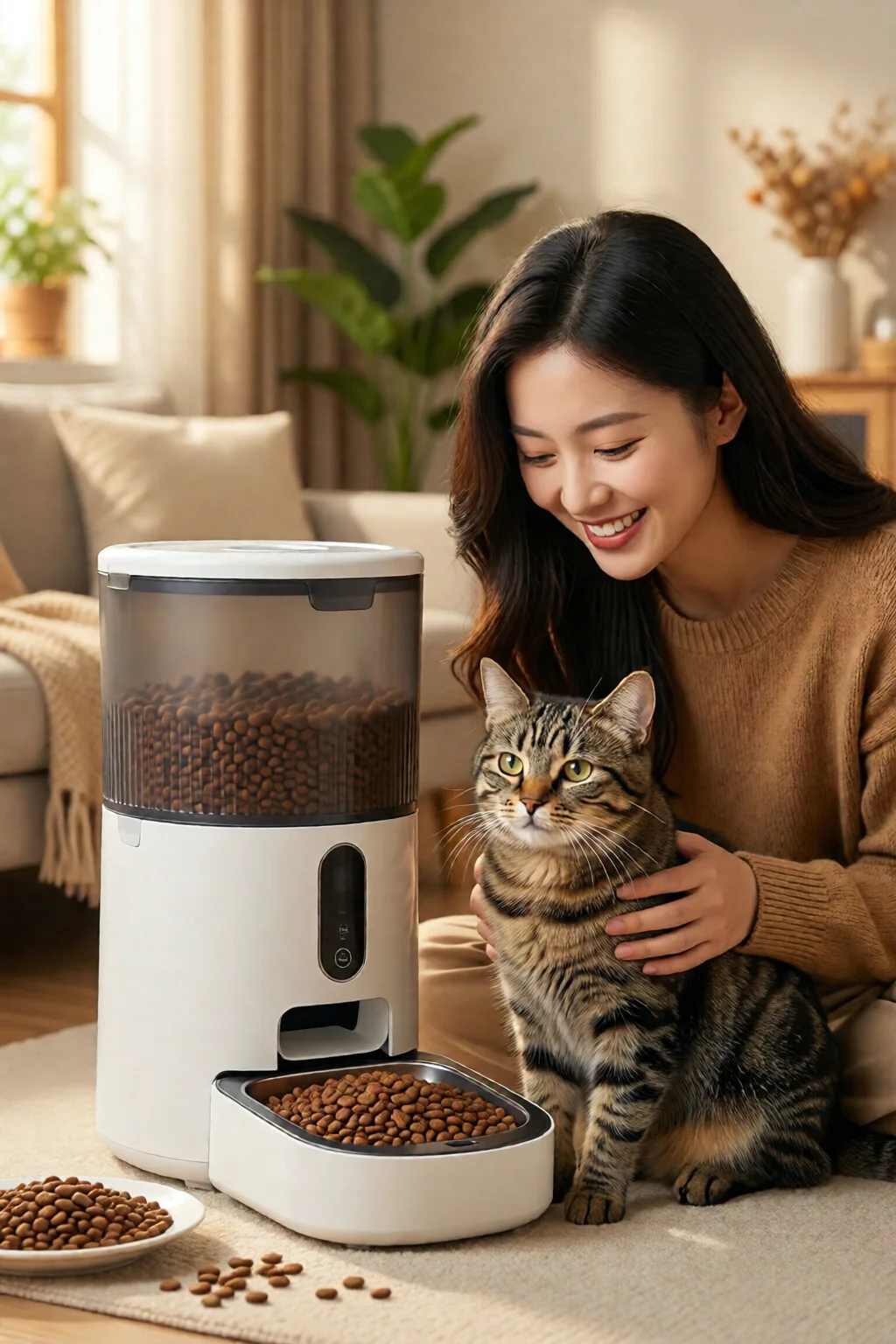
Choosing the best automatic cat feeders reviewed isn’t about picking the most expensive model—it’s about matching the feeder’s features to your cat’s lifestyle and your own schedule. By assessing your cat’s nutritional needs, selecting the right feeder type, and following the step‑by‑step setup, you’ll ensure consistent, healthy meals for your feline companion. Remember to monitor portions, keep the unit clean, and avoid common pitfalls like battery neglect or overfilling. With the right feeder in place, you’ll enjoy peace of mind whether you’re at the office, on a weekend trip, or simply catching up on a favorite TV show.
Frequently Asked Questions
Can I use wet food in an automatic feeder?
Only feeders specifically designed for wet food, such as the Arf Pets Automatic Feeder, should be used. Wet‑only models have insulated compartments that keep the food fresh and a motor calibrated for softer kibble. Using wet food in a dry‑only feeder can cause clogs and motor strain.
How long does a battery backup typically last?
Most battery‑backed feeders provide 12–24 hours of operation on a full set of AA or lithium‑ion batteries. Units like the PetSafe Simply Smart advertise up to 30 hours, but real‑world performance varies with temperature and the number of meals programmed.
Is a Wi‑Fi feeder safe for cats that are nervous around electronics?
Yes. The Wi‑Fi component is sealed inside the housing and emits no audible noise. Cats typically react only to the sound of the dispensing motor, which most modern feeders keep under 40 dB. If your cat is especially skittish, start with a mechanical timer model and upgrade once they’re comfortable.
3 commentaires sur « Best Automatic Cat Feeders Reviewed: Complete Guide for 2026 »